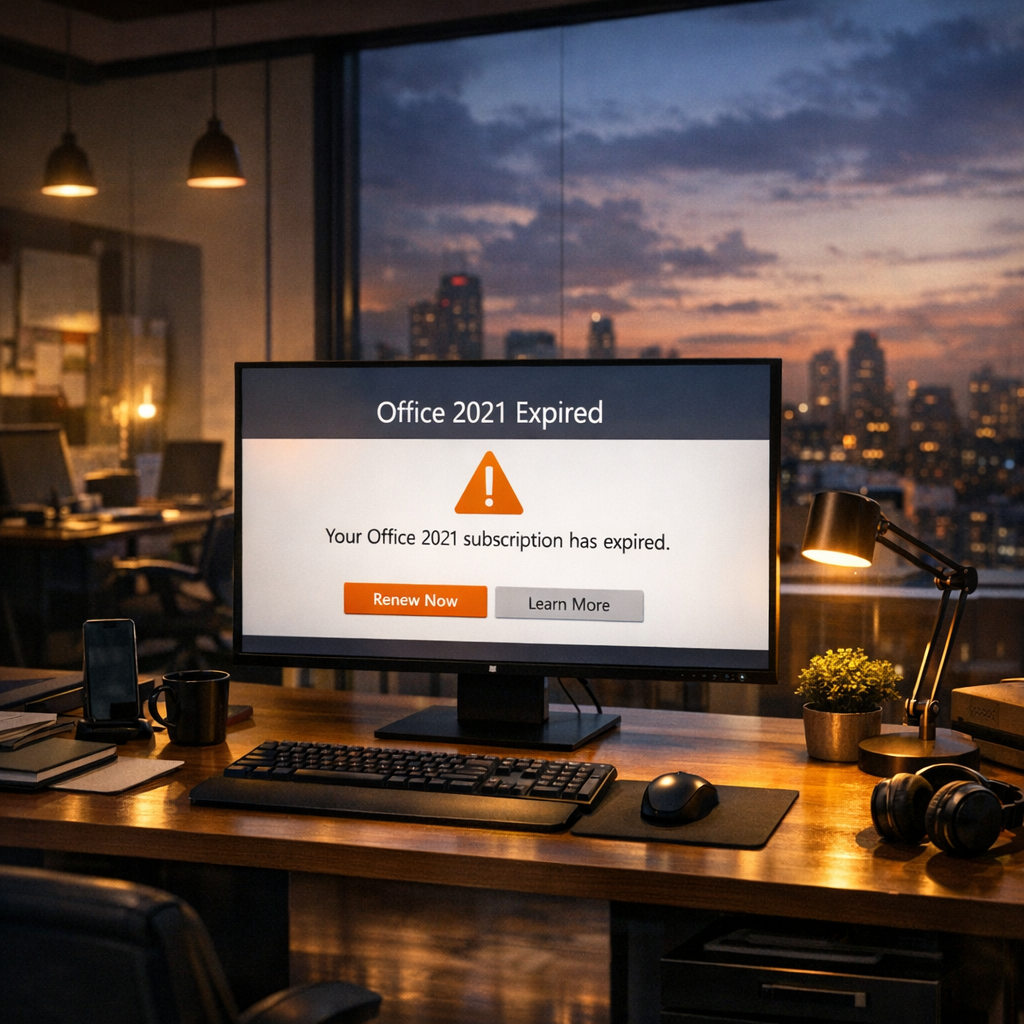
Adapting to Change: Navigating Office 2021's End of Support and Exploring Alternatives
Related Analysis
As October 2026 unfolds, Microsoft is set to cease support and updates for Office 2021. This decision may leave many users at a crossroads, pondering their next steps to ensure productivity and data security. While the cessation of support might be unsettling, it also presents an opportunity to explore new tools and technologies. In this article, we will delve into what this change means and outline five viable options for users to consider.
Understanding the Impact of No Support
The end of support for Office 2021 signifies that Microsoft will no longer provide security updates, bug fixes, or technical assistance for the software. This can lead to potential security vulnerabilities, as any newly discovered threats will not be addressed. Users may also experience compatibility issues with newer software and hardware as technology continues to evolve. For businesses and individuals reliant on Office 2021, this change necessitates a strategic decision to ensure continued efficiency and security in their operations.
Option 1: Upgrade to Microsoft 365
One of the most straightforward paths is upgrading to Microsoft 365, the cloud-based subscription service. Microsoft 365 offers the latest versions of Office applications along with regular updates, enhanced security features, and cloud storage via OneDrive. This option ensures users have access to the newest tools and features, fostering collaboration and productivity in both professional and personal settings.
- Access to the latest Office applications
- Regular updates and security enhancements
- Cloud storage and collaboration tools
Option 2: Explore Open-Source Alternatives
For those seeking cost-effective solutions, open-source software such as LibreOffice and Apache OpenOffice present viable alternatives. These platforms offer similar functionalities to Microsoft Office and are continually updated by a community of developers. While there may be a learning curve, open-source options provide flexibility and freedom from subscription fees.
- Cost-effective with no subscription fees
- Community-driven updates and support
- Compatibility with various file formats
Option 3: Consider Google's Workspace
Google's Workspace, formerly known as G Suite, is an increasingly popular choice for individuals and organizations. With applications like Google Docs, Sheets, and Slides, users can collaborate in real-time across devices. Google Workspace emphasizes cloud-based storage and seamless integration with other Google services, making it a compelling option for those already embedded in the Google ecosystem.
- Real-time collaboration and sharing
- Cloud storage with Google Drive
- Integration with other Google services
Option 4: Evaluate Apple's iWork Suite
For Mac users, Apple's iWork Suite—featuring Pages, Numbers, and Keynote—offers a sleek and user-friendly alternative to Microsoft Office. While iWork is tailored for Apple's ecosystem, it supports compatibility with popular file types, allowing for seamless sharing and collaboration with non-Apple users.
- Free for Apple device users
- Intuitive design and functionality
- Compatibility with Microsoft Office formats
Option 5: Stay the Course with Office 2021
Despite the end of support, some users may choose to continue using Office 2021, especially if their needs are minimal or if they operate in secure, controlled environments. However, it is crucial to recognize the risks associated with this choice, particularly concerning security vulnerabilities and lack of support for new technologies.
- Familiarity with existing software
- No immediate financial investment
- Risks include security vulnerabilities and compatibility issues
Conclusion
Microsoft's decision to end support for Office 2021 compels users to reevaluate their software needs and explore new opportunities for productivity and collaboration. Whether upgrading to a subscription service like Microsoft 365, embracing open-source solutions, or adopting alternative platforms like Google Workspace or Apple's iWork, there are numerous paths forward. Each option offers distinct advantages tailored to different user preferences and requirements. As we navigate this transition, the key is to make informed choices that safeguard our data and optimize our workflows for the future.
As we step into this new era, the importance of adaptability and foresight cannot be overstated. With careful consideration and strategic planning, users can not only maintain their productivity but also harness the potential of emerging technologies to drive success in their personal and professional endeavors.
"Change is the only constant in life." – Heraclitus
In embracing the change that the end of Office 2021's support brings, users have the opportunity to innovate and thrive in a rapidly evolving digital landscape.